Protect the microphone in both frames
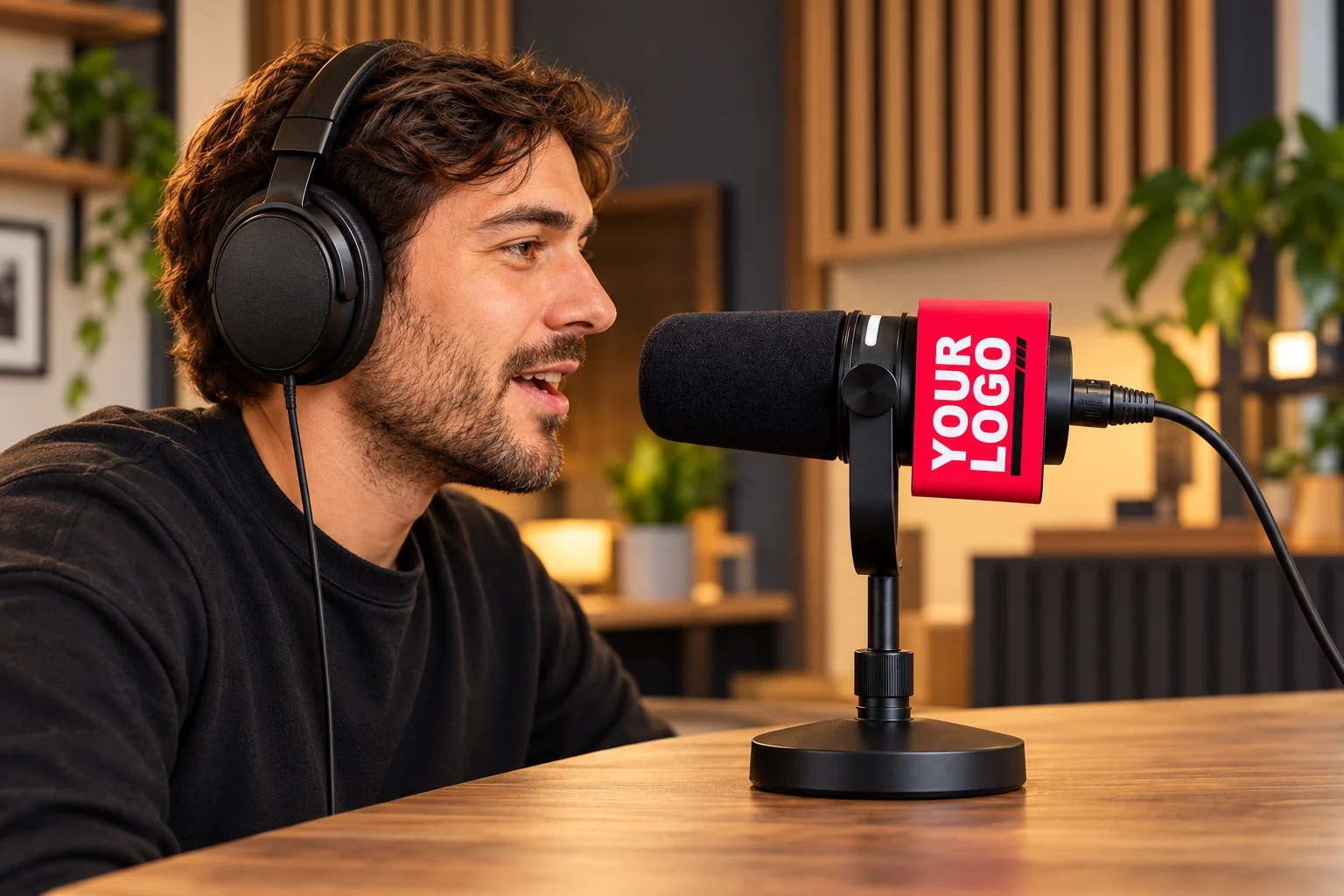
Keep your mic flag visible by testing the same camera view in a wide frame and a vertical crop before you finalize the artwork or record a full episode. Put the creator first, then check whether one complete printed face remains visible without pushing the microphone into an uncomfortable position.
This matters because the formats are genuinely different. YouTube says its standard computer player uses 16:9, while Shorts uploaded from a computer can use a square or vertical aspect ratio. Twitch also documents separate horizontal and vertical layouts for its dual-format workflow. Use those platform formats as a reason to test two compositions, not as a promise that one placement will work everywhere. See the current YouTube aspect-ratio guidance, YouTube Shorts upload guidance, and Twitch dual-format guidance.
Run a two-frame test in five minutes
- Set the real recording position. Sit, light the scene, and place the microphone where you normally speak. Do not move it closer to the camera just to make the artwork larger.
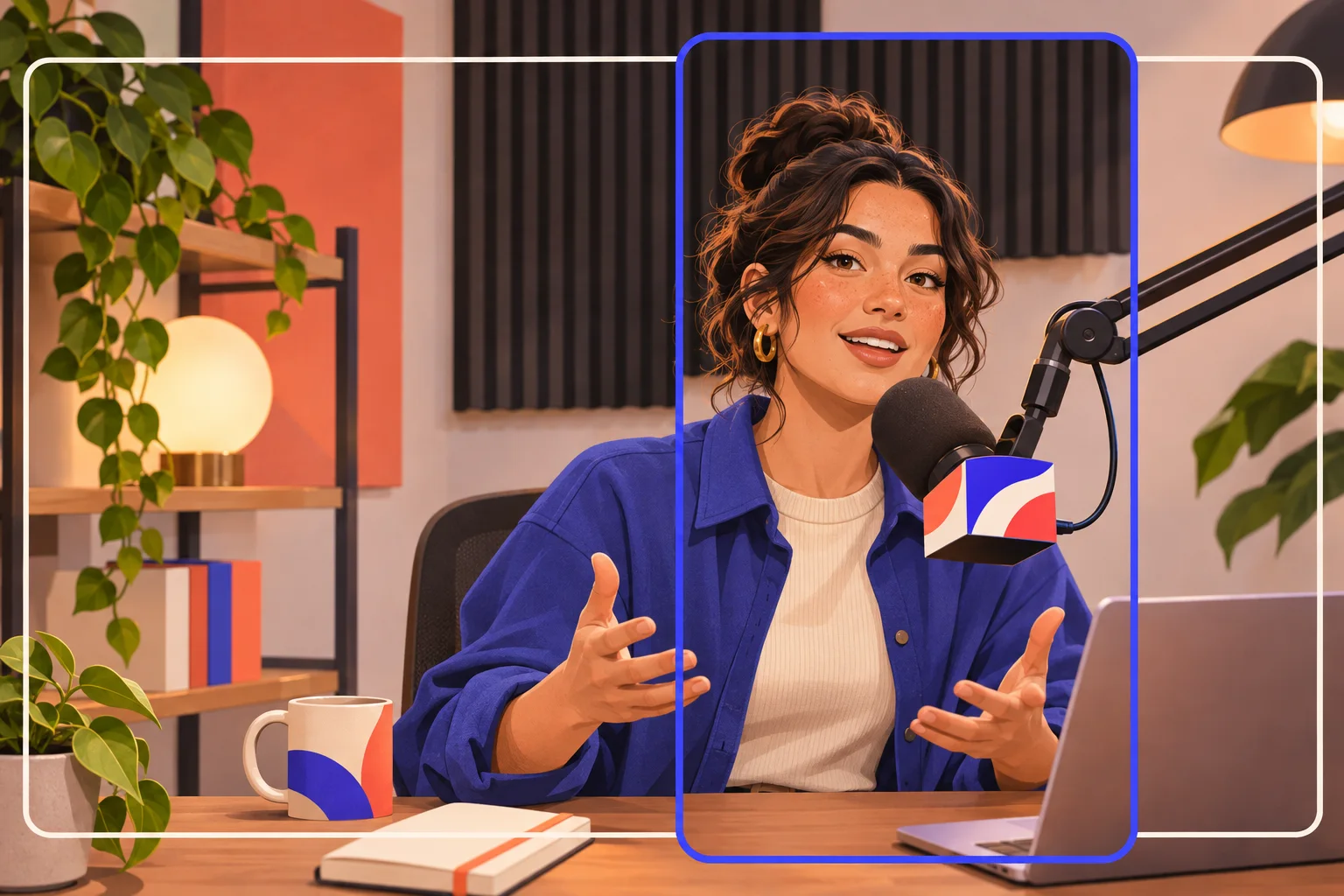
- Capture a wide still. Use the landscape frame you publish or stream most often. Mark the creator’s eyes, the microphone, and the complete visible flag face.
- Make a vertical crop. Duplicate the still and crop it to the vertical format you actually use. OBS explains that cropping removes parts of a source, so inspect what disappears rather than assuming the crop is only a smaller version of the wide frame. Its official aspect-ratio guide shows the difference between cropping, scaling, and stretching.
- Check the smallest real view. Look at both versions at roughly the size viewers will see on a phone or in your editing timeline. If the mark becomes a colored blur, simplify the artwork before changing the whole set.
- Record ten seconds. Talk and gesture normally. A still cannot reveal whether your hand, boom arm, or posture repeatedly covers the flag.
Position for visibility, not dominance
The microphone should feel like part of the scene, not the subject of every shot. Start with a comfortable speaking position and rotate only enough to present one useful face toward the main camera. Leave a little visual space around the flag so its outline does not merge with a dark shirt, boom arm, or monitor edge.
In the wide frame, watch the outside edges: a microphone near the far left or right may be the first object lost when you make a centered vertical crop. In the vertical version, watch the creator’s face and hands. If keeping the flag visible forces you to cut off the speaker or cover their mouth, the answer is a different crop or camera angle—not a more intrusive microphone position.
For a stream with separate layouts, build and inspect both scenes. Twitch’s current dual-format documentation describes a horizontal stream and a separately configured vertical canvas; treat each as its own composition. Platform features and eligibility can change, so check the live Twitch instructions before changing your broadcast setup.
Choose artwork that survives the smaller crop
A camera-friendly mic flag design needs one fast visual idea. Use a compact symbol, short wordmark, or the strongest part of your identity. Tiny taglines and social handles may be readable in the proof and disappear in the finished video. Strong separation between the artwork and its background is more useful than adding another line of information.
Try this fictional example: North Loop Live has a mountain icon, a two-line show name, a schedule, and three social handles in its full channel banner. For the microphone, use the mountain plus “North Loop.” The vertical crop still carries the identity, while the schedule stays in the video description or on-screen graphics.
- Keep one main symbol or short name.
- Avoid essential details near edges and corner turns.
- Test light artwork on a dark field and dark artwork on a light field.
- Judge the design at camera distance, not only while zoomed into the proof.
- Check spelling, orientation, and the complete visible face before approval.
If your file still needs work, use our logo preparation guide before choosing the final layout.
Make a simple crop map for repeatable recording
Save one clean still from your normal camera and draw two outlines over it: the full landscape frame and the vertical crop. Mark three zones inside both outlines: face, microphone branding, and hand movement. The shared area is your safest placement zone. This is a planning aid, not a universal platform safe-zone template.
Keep the crop map beside your scene notes. When the chair, lens, boom arm, or camera position changes, make a new still and repeat the check. YouTube’s player can adapt to different video aspect ratios, so publish the native format you intend to use rather than baking decorative black bars into the video; that recommendation comes from YouTube’s own display guidance.
The crop map also helps an editor understand the shot. A note such as “keep the full microphone face inside the vertical outline” is clearer than “make the logo bigger,” and it avoids stretching the footage or distorting the scene.
Check fit first, then customize the artwork
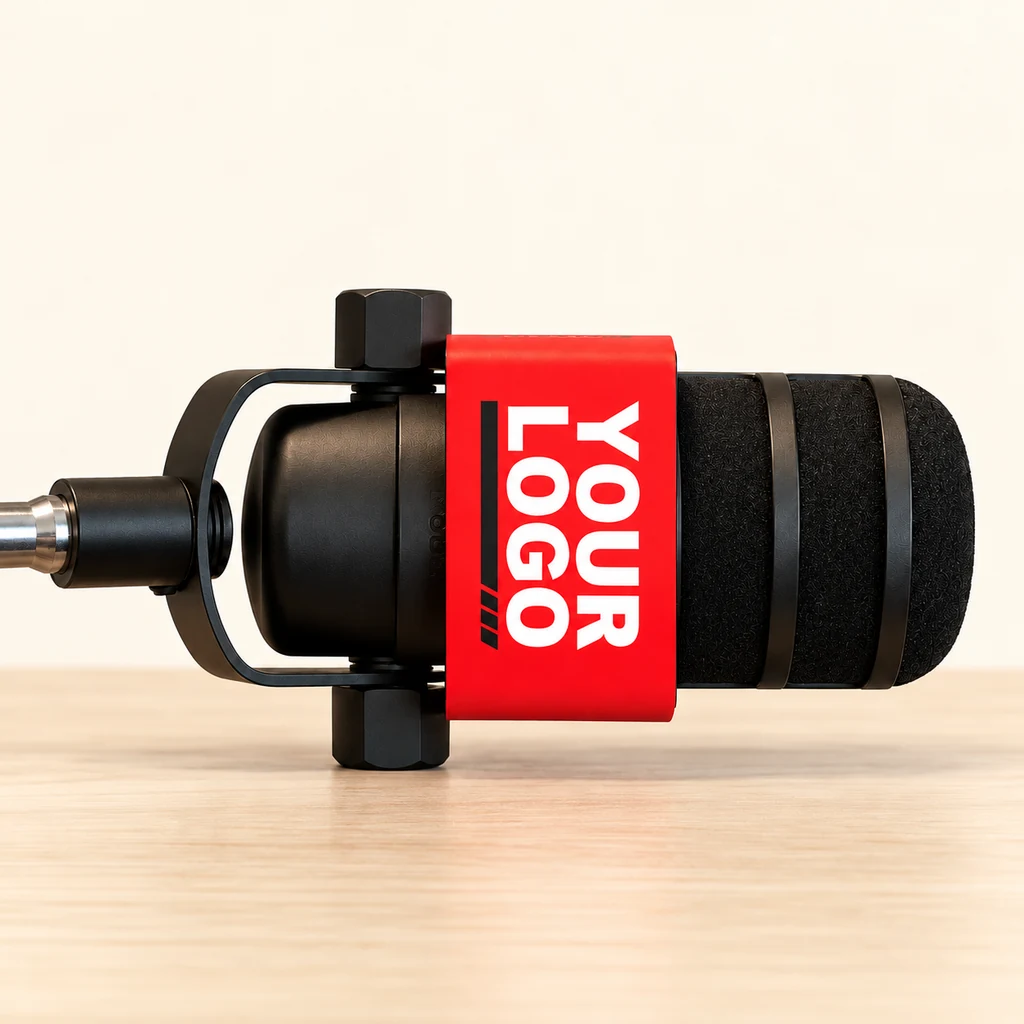
Framing does not establish product compatibility. Confirm the exact microphone and windscreen combination before ordering; similar model names or similar-looking foam are not enough. The only combination currently confirmed here is RØDE PodMic XLR with the RØDE WS14 installed. Review the current compatibility page and do not assume the same flag fits a bare PodMic, PodMic USB, or another windscreen.
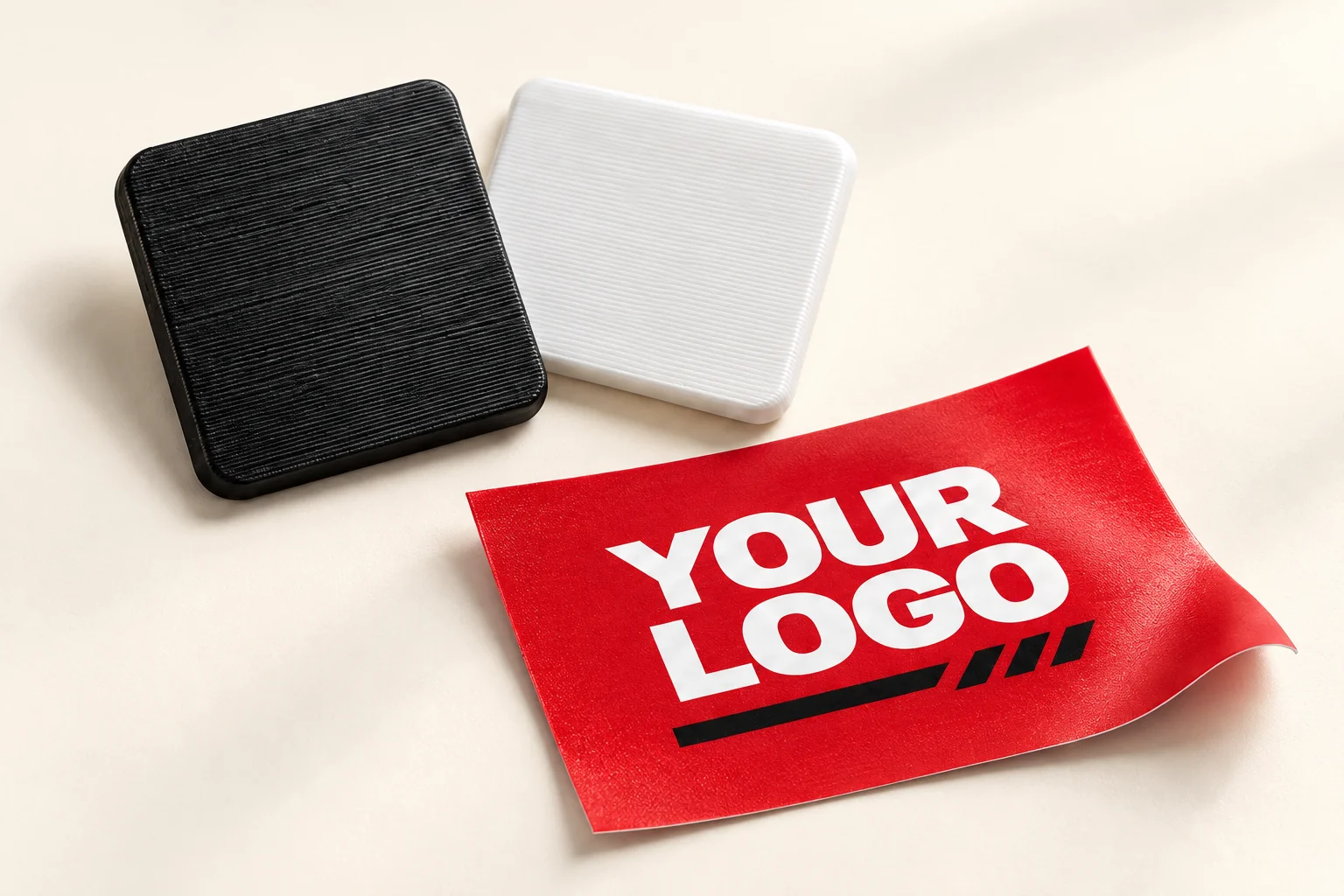
When the setup matches, gather the logo file, background-color direction, and a still showing how the microphone appears in your main camera. Then select Customize my mic; the matching route sends you to Etsy to personalize and order. You can also visit the MicFlag Customs Etsy shop directly. Current pricing, availability, order terms, and delivery information belong to the Etsy listing.
If your exact setup is not listed, email hello@micflagcustoms.com with the microphone and windscreen model names plus clear photos. A fit question should be resolved before a framing or artwork decision becomes an order.
Sources & further reading
- YouTube Help — video resolution and aspect ratios
- YouTube Help — upload YouTube Shorts
- Twitch Help — dual format streaming
- OBS Project — aspect ratio guide
Product details reflect our current shop information. Availability and order terms are shown in the Etsy listing.
Ready to put your logo on your microphone?
Choose your brand and model to see your options.
Shop by mic