The seven-step ordering checklist
- Write down the exact microphone and windscreen model names.
- Confirm that exact combination is listed as compatible.
- Open the matching Etsy listing and read its current options and instructions.
- Prepare the original logo file, color direction, and a camera-view reference.
- Enter the requested personalization details at checkout.
- Keep artwork and questions together in one Etsy message thread.
- Review every printed face in the digital proof before approving it.
This checklist will not make an unconfirmed setup compatible, but it will make the fit, artwork, and approval questions easier to spot before production.
1. Confirm the microphone and windscreen first
A microphone name alone is not a complete fit description. Note the connection version and the exact foam or windscreen installed, because a bare microphone and the same microphone with foam are different physical setups. Similar model names and similar-looking accessories do not establish compatibility.
The only combination currently confirmed by MicFlag Customs is RØDE PodMic XLR with the RØDE WS14 installed. Do not treat that as confirmation for a bare PodMic, PodMic USB, another microphone, or another windscreen. Check the current compatibility page and read why the microphone and windscreen both matter.
If your exact combination is not listed, email hello@micflagcustoms.com with both model names and clear photos before ordering. A logo file cannot solve an unresolved fit question.
2. Use the matching listing and its current instructions
Start with Customize my mic to follow the matching route, or visit the MicFlag Customs Etsy shop. The listing is the source for current price, availability, options, order terms, and delivery information.
Etsy’s current buyer guidance says a personalized listing may show an Add your personalization field and that buyers should follow the listing’s requested instructions. Etsy also lets buyers contact a shop before ordering through Message Seller. Use that route if an option or artwork request is unclear; do not select a different product and assume the fit will transfer. See Etsy’s official guidance on personalized and custom items and contacting a shop.
3. Build one compact artwork packet
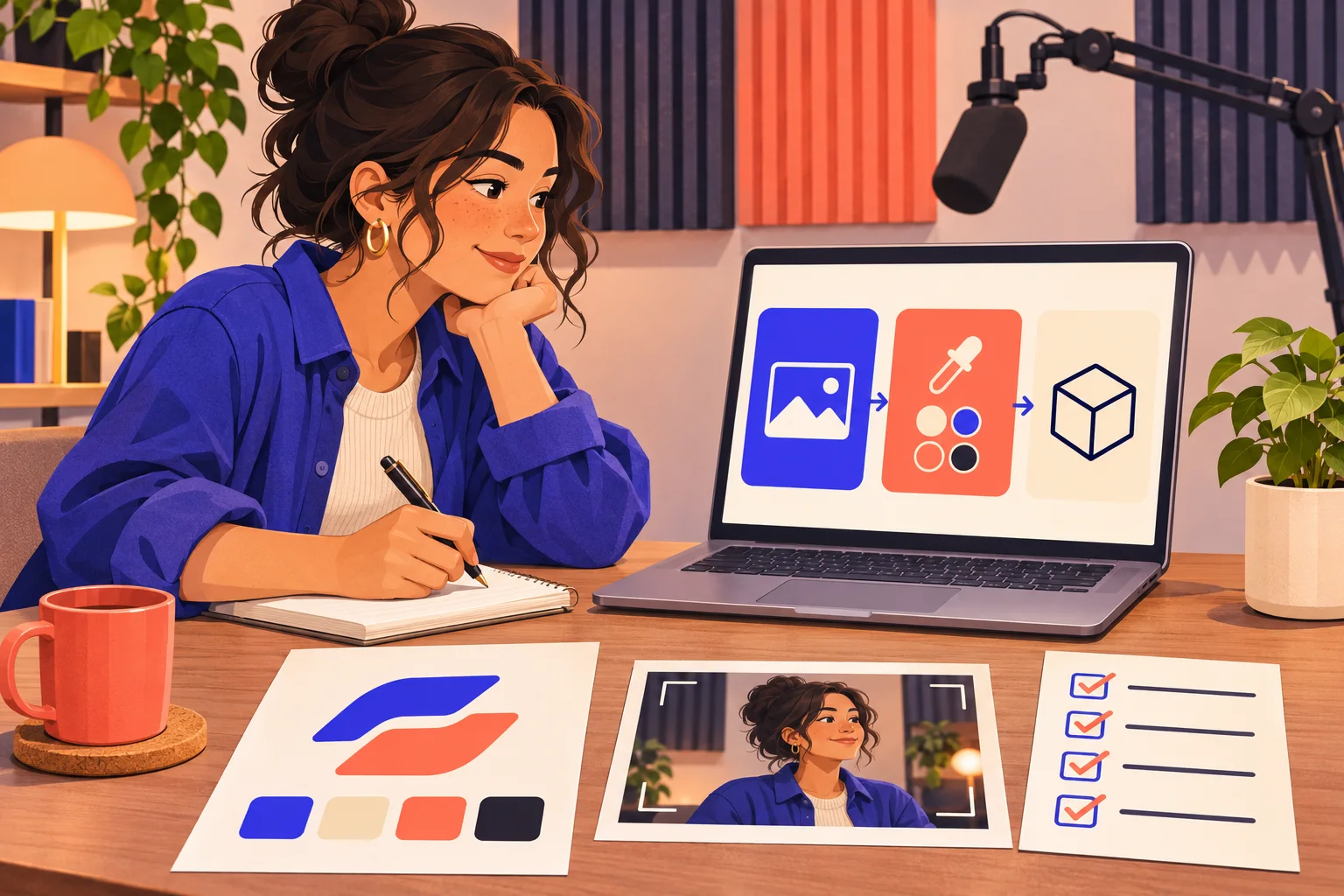
Send the clearest version of the logo you have, not a screenshot of it inside another app. Include a transparent-background file when available, plus one sentence describing the desired background color. If your identity has several approved versions, choose one primary mark instead of asking the designer to guess.
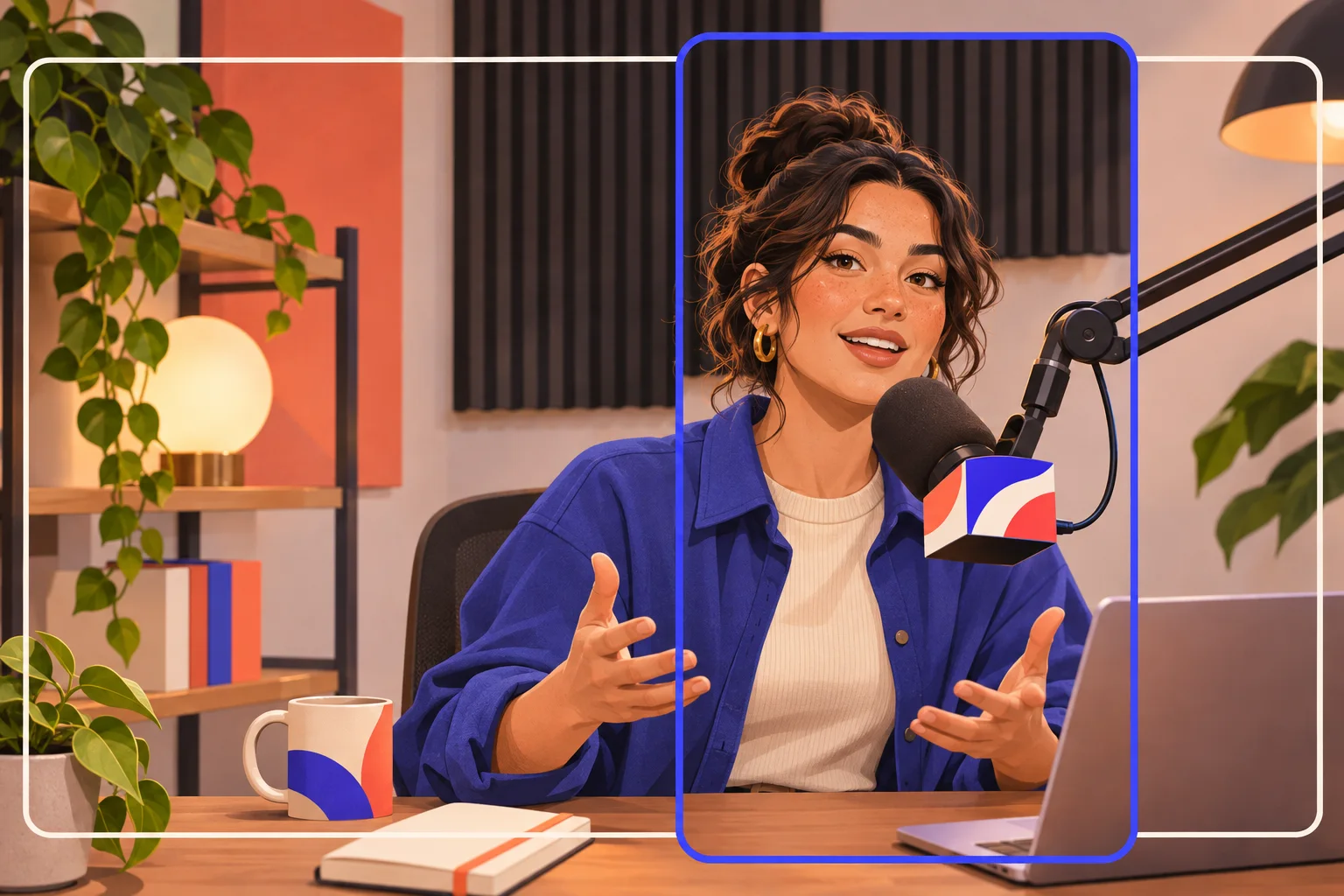
Add a still from your normal camera angle. Mark which side of the microphone faces the camera and whether the final content is mainly horizontal, vertical, or both. That still is a creative reference, not a fit measurement. For file preparation, use the logo preparation guide. If the mark needs to survive multiple crops, run the horizontal-and-vertical framing test.
- Logo: the original vector or largest clean raster file available.
- Color: an exact brand value when known, plus a plain-language preference.
- Orientation: the face that should point toward the main camera.
- Reference: one uncluttered still of the real recording position.
- Copy: the exact spelling and capitalization of every word that must appear.
4. Make the personalization note easy to scan
A short structured note is more useful than a paragraph with decisions scattered through it. Try this pattern:
- Setup: RØDE PodMic XLR + RØDE WS14
- Logo: North Loop Live primary mark
- Background: deep navy, #101A3A
- Main camera: logo face points left from the speaker’s view
- Files: logo and camera still sent in Etsy Messages
Use your actual details, and only name the confirmed combination when it is truly your setup. Etsy says buyers can send images to a seller through Messages, and its purchase guide also documents a note-to-seller field during checkout. Follow the individual listing’s instructions when deciding where each detail belongs. See Etsy’s custom-item guidance and purchase guide.
5. Keep decisions in one message thread
After ordering, keep revised artwork, color decisions, and proof questions attached to the same Etsy order conversation. Give updated files unmistakable names such as north-loop-primary-v2.svg, and say which earlier file they replace.
If you change direction, state the decision directly: “Use the round logo in the newest message; disregard the stacked logo.” That is clearer than sending another attachment without context. Etsy notes that shops manage their own orders and policies, so keep the shop’s listing and order conversation as the record for current order details. The Etsy Buyer Policy explains the buyer–seller relationship and the role of each shop’s terms.
6. Review the proof like a camera frame
The digital proof is the moment to check decisions, not just admire the logo. Compare it with the personalization note and your camera still. Review all four printed faces separately.
- Is the exact approved logo version used?
- Are spelling, capitalization, and punctuation correct?
- Does the background match the requested direction?
- Is essential artwork clear of edges and corner turns?
- Is the intended face oriented toward the main camera?
- Does every side use the correct mark and rotation?
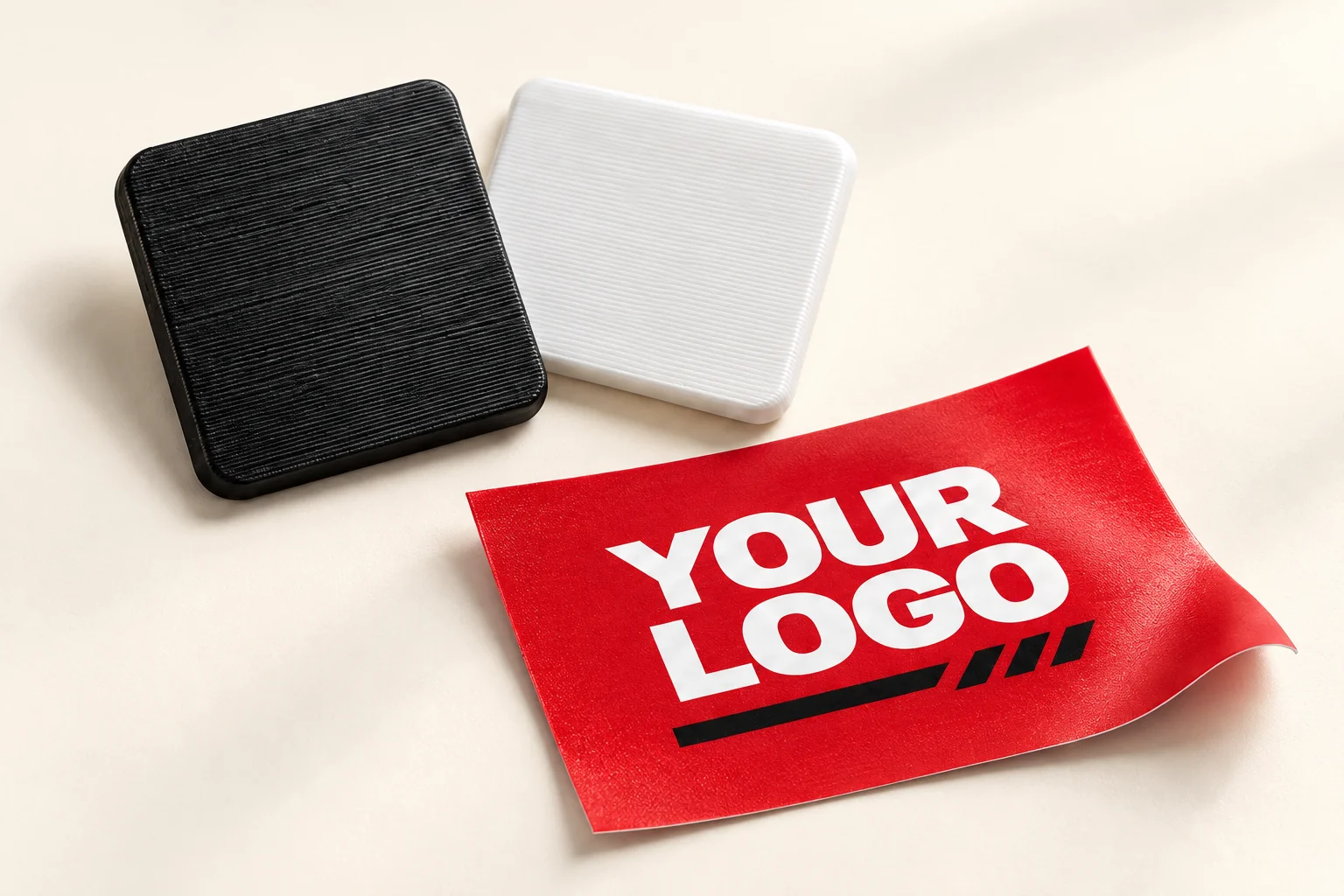
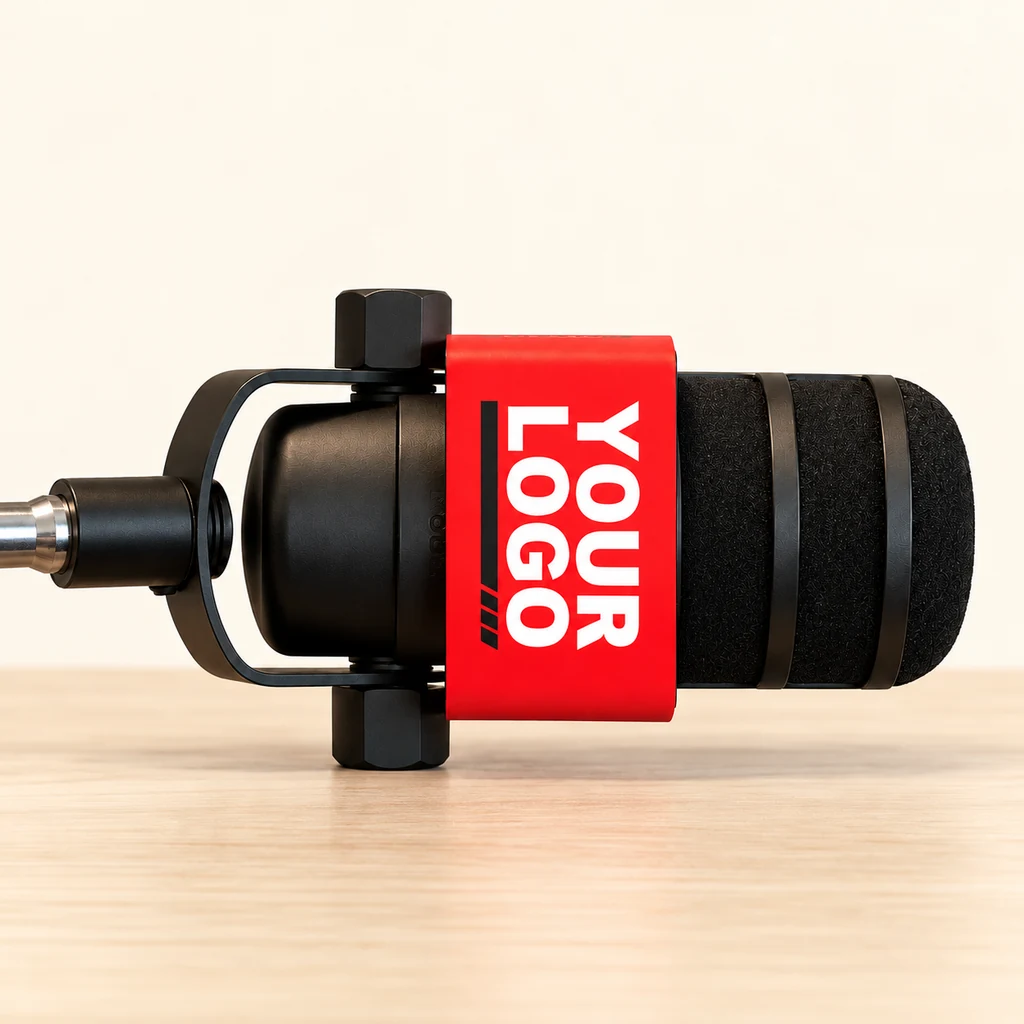
If something is wrong, request one specific change at a time and name the affected face. Approve only when the proof reflects the order you intend. The product includes the PETG body, custom printed vinyl wrap, and digital design proof; the microphone, WS14, stand, and other recording equipment are not included.
7. Take the checklist to the matching order route
Before opening the listing, gather the exact microphone and windscreen names, logo file, background direction, camera still, and final spelling. Then choose Customize my mic to find the matching route and personalize the order on Etsy.
For a fit or artwork question that is not answered by the current listing, contact hello@micflagcustoms.com. Current pricing, availability, order terms, and delivery information remain on Etsy.
Sources & further reading
- Etsy Help — how to request a personalized or custom item
- Etsy Help — how to contact a shop
- Etsy Help — how to purchase an item on Etsy
- Etsy — Buyer Policy
Product details reflect our current shop information. Availability and order terms are shown in the Etsy listing.
Ready to put your logo on your microphone?
Choose your brand and model to see your options.
Shop by mic